An AI workspace for developers, from context to code.
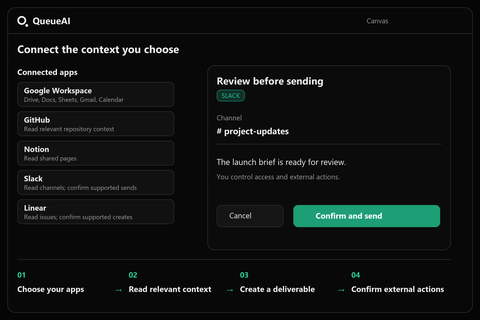
A development question rarely lives in one file. QueueAI brings conversations, project context, connected apps, and Canvas into one workspace so you can work from the source material to a useful result.
Compare plans and connector access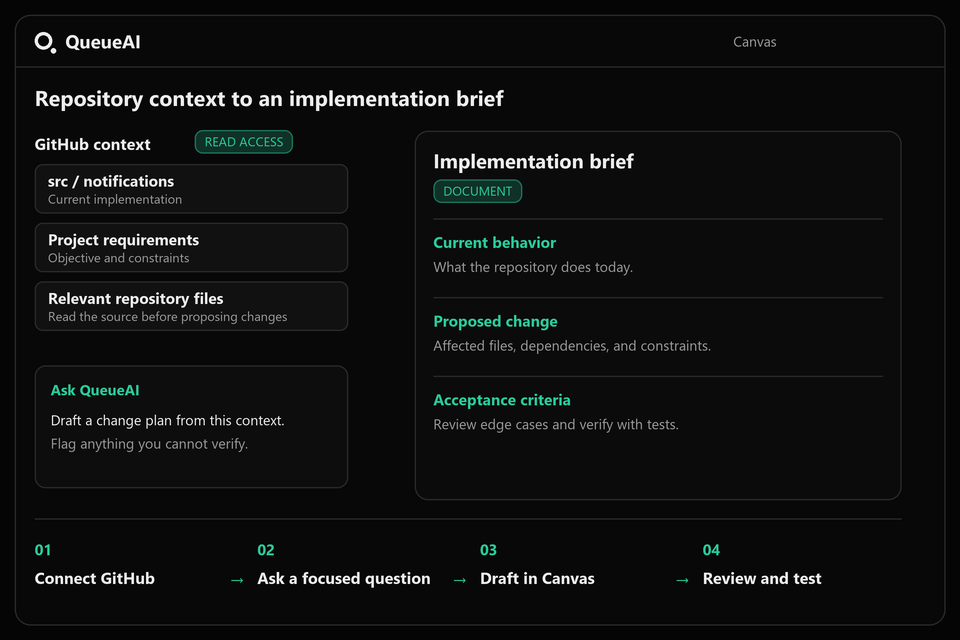
Start with the repository and the question
Connect GitHub on Builder or Pro, select the repository you need, and ask about a specific file, issue, or implementation. Include the behavior you want to change and the constraints that matter. Repository context gives the conversation a concrete starting point; it does not replace your review of the code.
For a solo builder, this can mean preparing an implementation brief before opening the editor. For a small team, it can mean turning a discussion into a clearer description of the change. Keep the objective narrow enough to verify.
A practical workflow for a new feature
- Provide the feature request, the relevant repository, and any project notes.
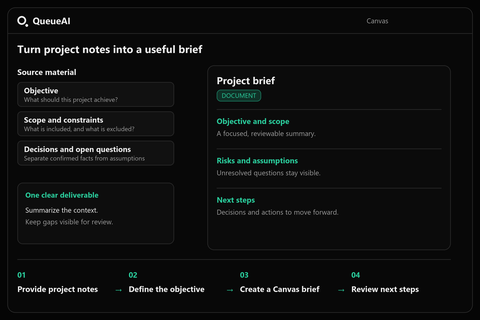
- Ask QueueAI to separate existing behavior, proposed changes, dependencies, and unresolved questions.
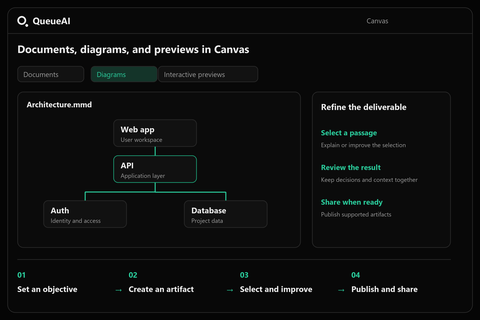
- Create a requirements document or architecture diagram in Canvas, then review it against the source material.
- Preview generated interface code when useful. Test and integrate the result in your development environment.
Review the output before integrating it
Treat generated code as a draft. Check authentication, permissions, edge cases, accessibility, and error handling before putting it into production. A live preview helps you examine an interface, but a working preview is not evidence that the application is secure or ready to deploy.
Builder provides GitHub reading; Pro adds supported GitHub write operations. Availability depends on the connected account permissions and the tools supported by QueueAI. Documents and diagrams can be useful even when you only need read access.
Choose an objective that produces a deliverable
Ask for a testable change plan, a repository-grounded requirements document, or an architecture diagram. Naming the desired format helps keep the response useful. When context is incomplete, ask the assistant to identify missing information instead of filling it in as a fact.
Try this prompt
Read the relevant files in my connected GitHub repository and draft an implementation brief for adding email notifications. Include current behavior, proposed changes, affected files, risks, and acceptance criteria. Flag anything you cannot verify. Put the brief in Canvas.
Your prompt opens in the workspace after sign-in. Connectors require Builder or Pro. Nothing is sent to an external app from this page.
Before you use the result
- Confirm that file paths and existing behavior match the repository.
- Check permissions, failure cases, and acceptance criteria.
- Run the relevant tests before merging or deploying.
Common questions
Can I use QueueAI without connecting GitHub?
Yes. Explorer includes core chat tools and Canvas access. You can begin with pasted context; connectors require Builder or Pro.
Does QueueAI replace my code editor?
QueueAI helps with reasoning, connected context, and deliverables. Review, testing, and integration still belong in your development workflow.
Can I create architecture diagrams?
Yes. Canvas supports diagrams alongside documents, code, and interactive previews. Verify that generated diagrams reflect the actual system.